Featured snippets are highlighted Google Search results that display a relevant extract from a web page to help answer a user’s query. They can present information as a paragraph, list, or table and provide direct access to useful content. Understanding how featured snippets work can help website owners create clearer, more relevant content for their target audience.
What Are Featured Snippets?
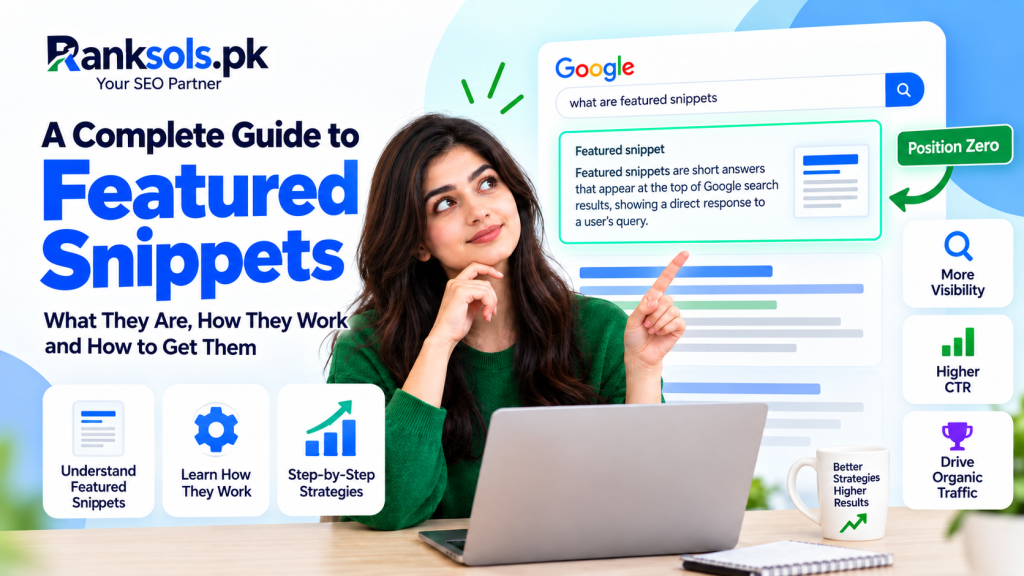
A featured snippet is a highlighted search result that displays an extract from a web page to answer a user’s search query. Unlike a standard search result, it presents the descriptive content before the usual title and link.
Google’s systems automatically determine whether a page provides a suitable answer for a particular query. Website owners cannot manually claim a featured snippet or guarantee that their content will be selected.
Featured snippets are one type of search result feature. They should not be confused with ordinary search snippets, which are the descriptive summaries that can appear beneath standard organic search result titles.
Common Types of Featured Snippets
Featured snippets can use different formats depending on the query and the information needed.
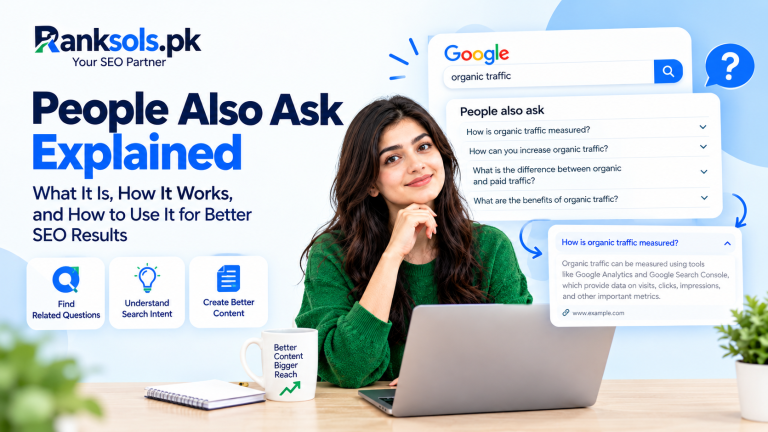
Paragraph snippets: Display a short text extract that answers a question, such as “What is organic traffic?”
List snippets: Present numbered or bulleted information, such as a series of steps or related items.
Table snippets: Show information in rows and columns, often to help users compare values or categories.
Video results and other visual search features may also answer queries, but they are distinct from these common featured snippet formats.
How Do Featured Snippets Work?
Google uses automated systems to identify content that may provide a helpful answer to a search query. When a page is selected, Google highlights a relevant extract and displays it in a featured snippet.
For example, a user searching for “What is a featured snippet?” may see a concise definition extracted from an SEO guide.
The displayed content depends on the query and Google’s selection systems. Featured snippets can change over time, and the same page may be selected for one query but not another.
When a user clicks a featured snippet, Google may take them directly to the relevant section of the source page. The exact behavior can vary depending on whether Google can identify and navigate to that section.
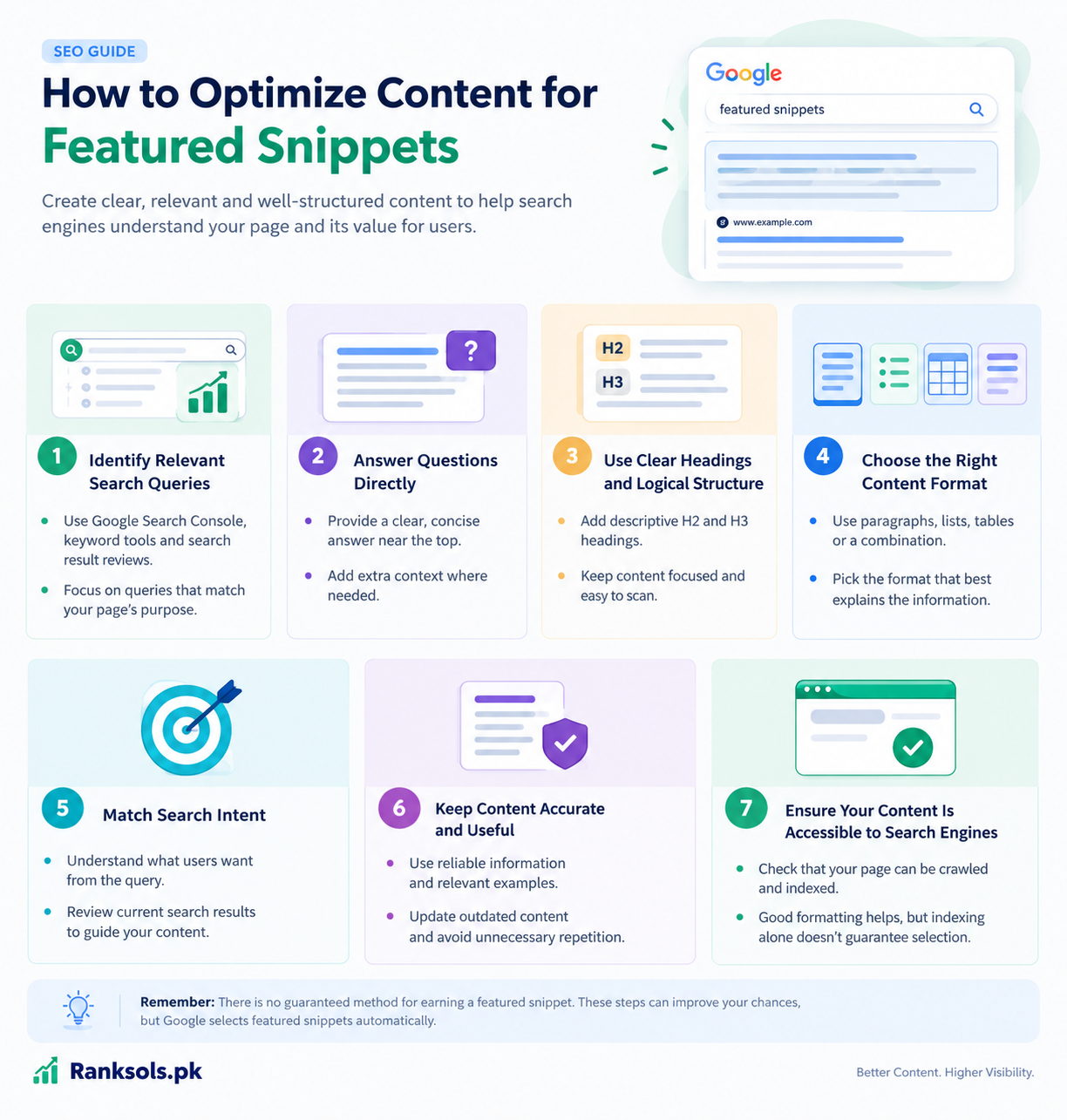
How to Optimize Content for Featured Snippets
There is no guaranteed method for earning a featured snippet. However, creating clear, relevant, and accessible content can help search engines understand your page and its suitability for relevant queries.
1. Identify Relevant Search Queries
Look for questions and informational queries related to your topic. Google Search Console, keyword research tools, and manual reviews of search results can help identify what users want to know.
Focus on queries that are closely related to the purpose of your page rather than targeting unrelated questions simply because they may have snippet opportunities.
2. Answer Questions Directly
Provide a concise, accurate answer near the beginning of the relevant section. Follow it with additional context where necessary.
For example:
What is a featured snippet?
A featured snippet is a highlighted Google Search result that displays relevant content from a web page to help answer a user’s query.
This structure makes the answer easy to find while preserving room for a fuller explanation.
3. Use Clear Headings and Logical Structure
Organize your content with descriptive H2 and H3 headings. Question-based headings can be useful when they reflect the actual subject of the section.
Keep related information together and use short paragraphs so readers can locate the answer quickly. Avoid adding headings or repeating keywords solely to influence search engines.
4. Choose the Right Content Format
Present information in the format that best explains it:
Paragraphs for definitions and explanations.
Numbered lists for sequential instructions.
Bulleted lists for groups of related items.
HTML tables for meaningful comparisons.
For example, a page explaining how to measure organic click-through rate may benefit from a short definition followed by the formula and a practical example.
Good formatting improves readability, but it does not guarantee featured snippet selection.
5. Match Search Intent
Make sure the content satisfies the reason behind the search.
A user searching for a definition generally needs a direct explanation. Someone searching for a process needs clear instructions, while a comparison query may require a table or structured discussion.
Reviewing the current search results can help you understand which content formats and answers are relevant to the query. Use this information to improve your page without copying competing content.
6. Keep Content Accurate and Useful
Provide reliable answers, relevant examples, and enough context to prevent misunderstandings. Update information when it becomes outdated, and remove unnecessary repetition.
Do not shorten an answer so much that it becomes incomplete or misleading. The goal is to answer the user’s question clearly, not to produce the shortest possible text.
7. Ensure Your Content Is Accessible to Search Engines
Important content should be available for Google to crawl and understand. Check that the page is not unintentionally blocked from indexing and that its main content is accessible.
A page must be eligible to appear in Google Search to be considered for a featured snippet. However, indexing and good formatting do not guarantee selection.
Do Featured Snippets Require Schema Markup?
No. Google does not require special structured data to display a featured snippet.
Website owners should focus on useful content, clear answers, and a logical page structure rather than adding schema markup solely to target featured snippets.
Structured data may be appropriate for other supported search features when it accurately describes the content, but it does not guarantee a featured snippet.
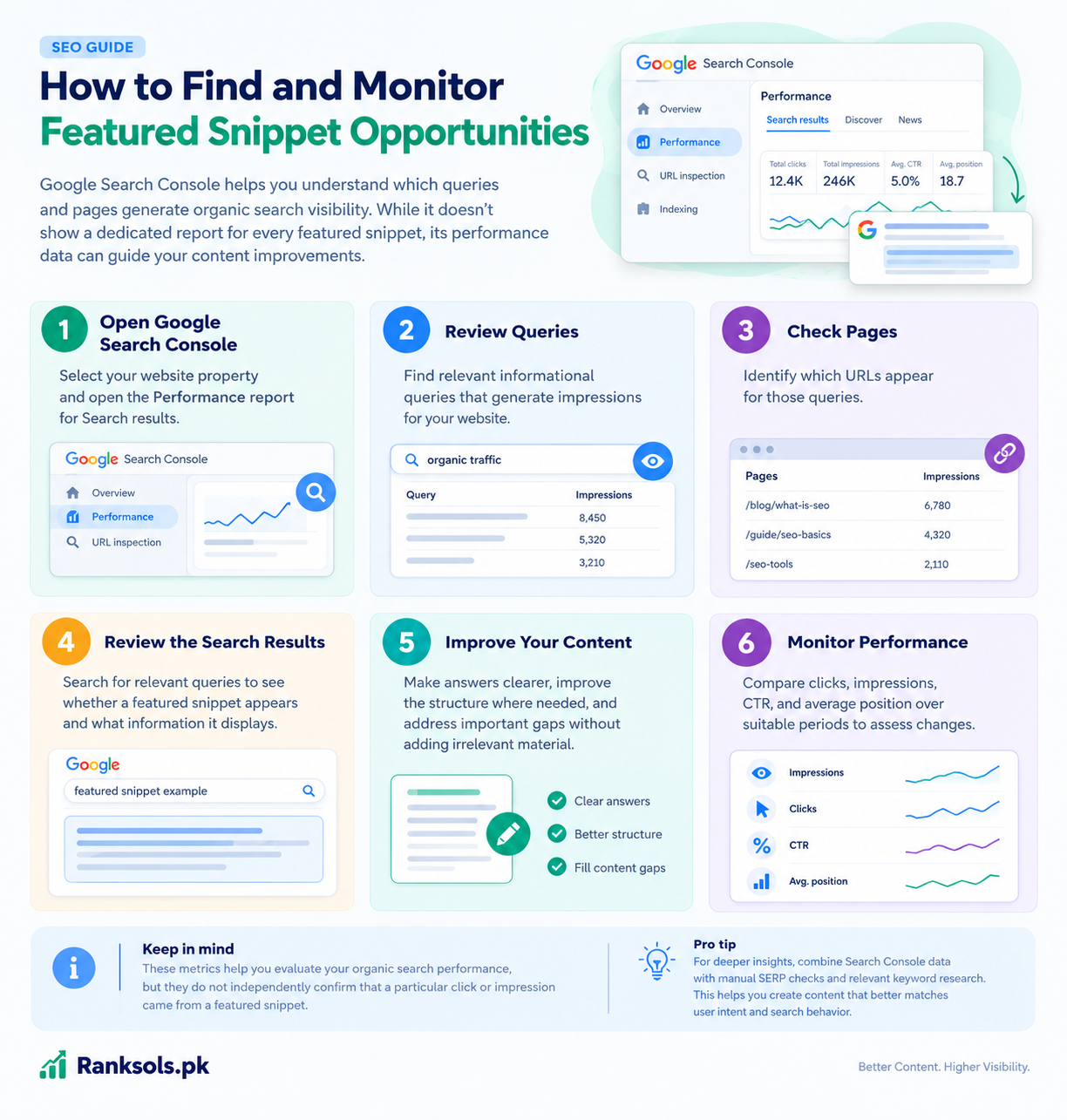
How to Find and Monitor Featured Snippet Opportunities
Google Search Console helps website owners understand which queries and pages generate organic search visibility. Although it does not provide a dedicated report for every featured snippet appearance, its performance data can guide content improvements.
Use the following process:
Open Google Search Console: Select your website property and open the Performance report for Search results.
Review queries: Find relevant informational queries that generate impressions for your website.
Check pages: Identify which URLs appear for those queries.
Review the search results: Search for relevant queries to see whether a featured snippet appears and what information it displays. Remember that results can vary by context.
Improve your content: Make answers clearer, improve the structure where needed, and address important gaps without adding irrelevant material.
Monitor performance: Compare clicks, impressions, click-through rate (CTR), and average position over suitable periods to assess changes.
These metrics help you evaluate organic search performance, but they do not independently confirm that a particular click or impression came from a featured snippet.
For more guidance, see Google’s official Search Console Performance report documentation.
Common Featured Snippet Optimization Mistakes
Avoid these common mistakes when improving content for featured snippets:
Expecting guaranteed results: Google selects featured snippets automatically, and no optimization technique guarantees selection.
Adding unnecessary keywords: Use relevant terms naturally instead of repeating exact-match phrases.
Using formatting without purpose: Choose paragraphs, lists, or tables based on the information being presented.
Removing essential context: Keep answers concise but complete enough to remain accurate.
Adding schema markup solely for snippets: Special featured snippet markup is not required.
Ignoring the actual search query: Ensure the page answers the question users are trying to resolve.
The best approach is to improve the usefulness and clarity of your content rather than treating featured snippet optimization as a formatting trick.
Frequently Asked Questions
Can any website get a featured snippet?
A page that is eligible to appear in Google Search may be considered for a featured snippet if Google’s systems determine that its content provides a suitable answer. Selection is not guaranteed.
Does ranking first guarantee a featured snippet?
No. A high organic ranking does not guarantee selection. Google automatically determines which content to display for a particular query.
Can I add featured snippet schema to my website?
There is no dedicated schema markup that guarantees a featured snippet. Focus on providing accurate answers and structuring your content appropriately.
Can featured snippets increase website traffic?
Featured snippets can increase the visibility of a page, but the effect on clicks and traffic varies by query and search experience. A featured snippet does not guarantee additional visits.
How can I tell whether my page has a featured snippet?
Search for relevant queries and inspect the results, keeping in mind that search experiences can vary. Google Search Console can help you monitor the performance of related queries and pages, but its general performance metrics do not confirm every featured snippet appearance.
Conclusion
Featured snippets provide direct answers to users’ queries by highlighting relevant content from web pages. Although website owners cannot control which pages Google selects, they can improve their content by answering questions clearly, matching search intent, using appropriate formats, and maintaining accessible, accurate information.
For businesses looking to strengthen their organic search strategy, Ranksols.pk can help identify content optimization opportunities and develop an SEO approach aligned with relevant search queries and user needs.