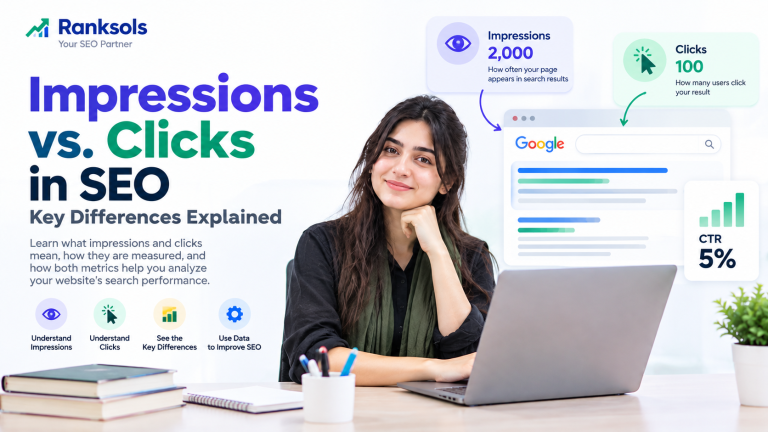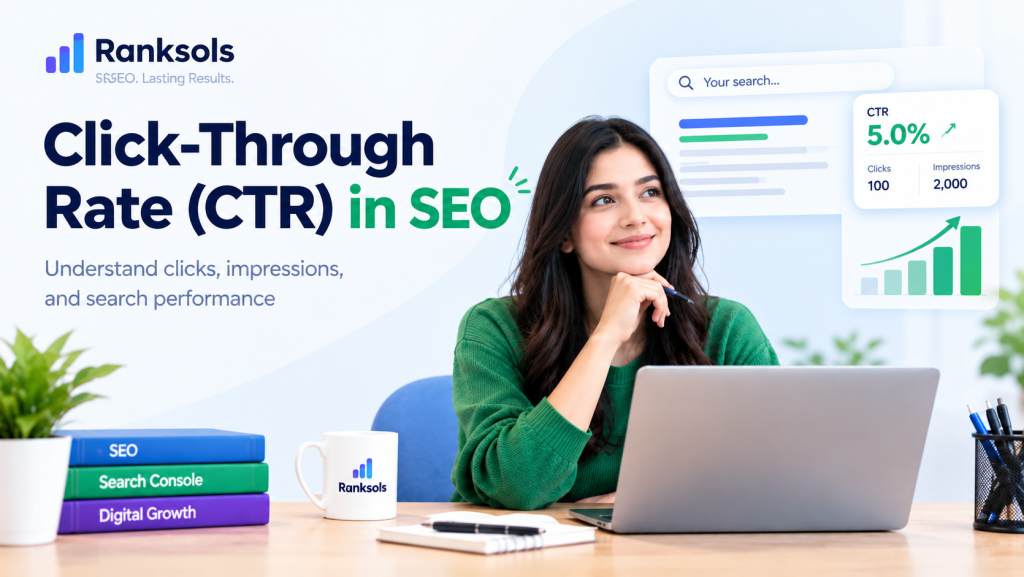
Click-through rate (CTR) in SEO measures the percentage of recorded search-result impressions that generate clicks to a website. It helps website owners understand how effectively their organic search listings attract visitors. By analyzing CTR alongside impressions, clicks, and average position, SEO professionals can identify opportunities to improve search-result relevance and performance.
What Is Click-Through Rate (CTR) in SEO?
Organic click-through rate is the percentage of impressions that result in clicks from unpaid search results.
For example, if a page receives 50 clicks from 1,000 impressions in Google Search, its CTR is 5%.
An impression does not always mean a user visibly noticed a result. Google Search Console uses specific counting rules depending on the search-result type.
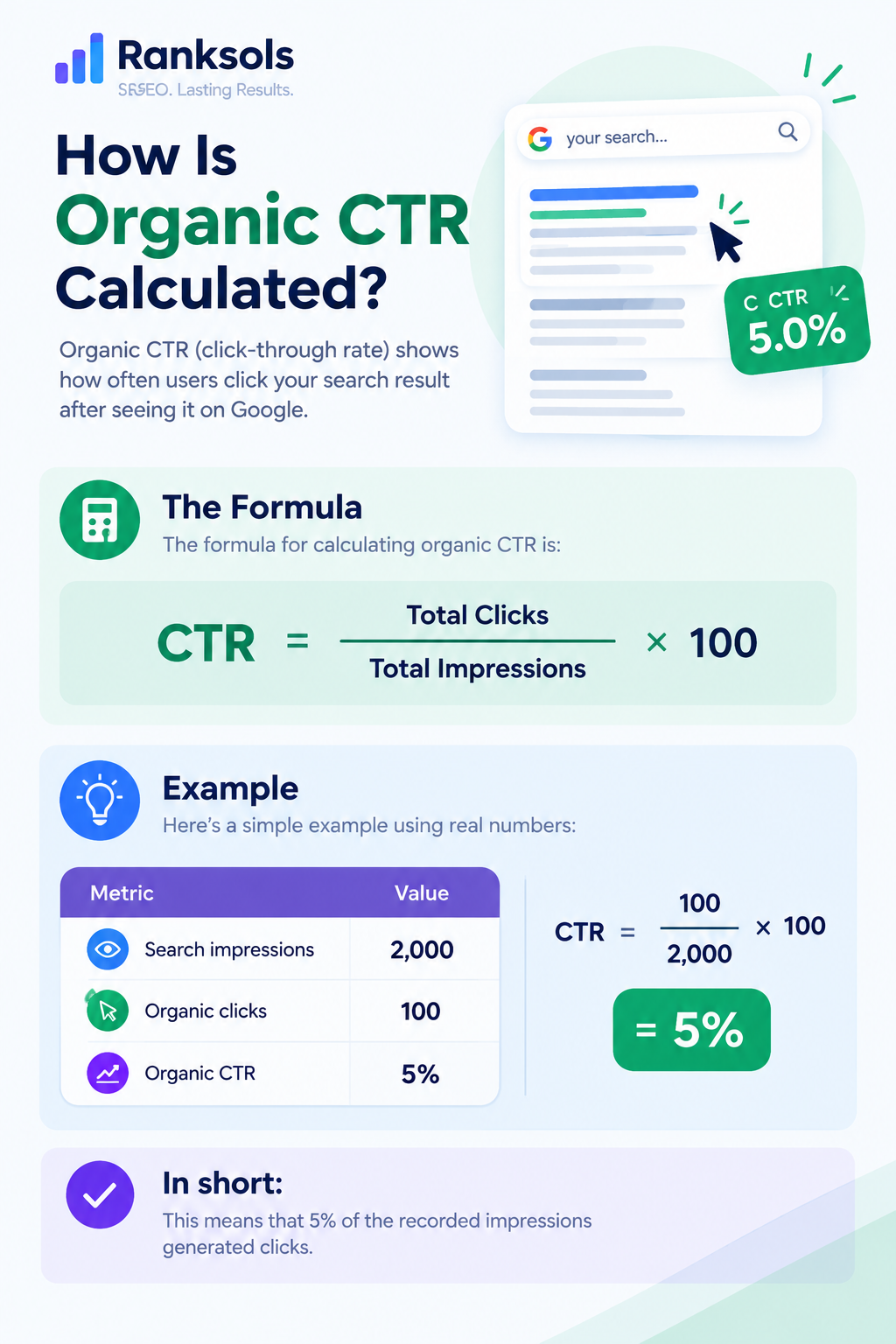
How Is Organic CTR Calculated?
The formula for calculating organic CTR is:
CTR = (Total Clicks ÷ Total Impressions) × 100
For example:
| Metric | Value |
|---|---|
| Search impressions | 2,000 |
| Organic clicks | 100 |
| Organic CTR | 5% |
This means that 5% of the recorded impressions generated clicks.
Why Is CTR Important for SEO?
CTR helps website owners evaluate how effectively their search listings attract clicks. It is particularly useful when reviewing the performance of individual pages and search queries.
Its main benefits include:
Evaluating search listings: Understand how often users click your results after they appear in search.
Identifying optimization opportunities: Find pages with substantial impressions but relatively few clicks.
Assessing search relevance: Investigate whether titles and snippets accurately reflect the queries generating impressions.
Monitoring performance: Track changes in clicks and CTR over time to identify areas that need further investigation.
CTR should be evaluated alongside impressions, clicks, average position, and relevant conversion metrics. A higher CTR does not automatically mean more traffic, better rankings, or more business.
How to Measure CTR in Google Search Console
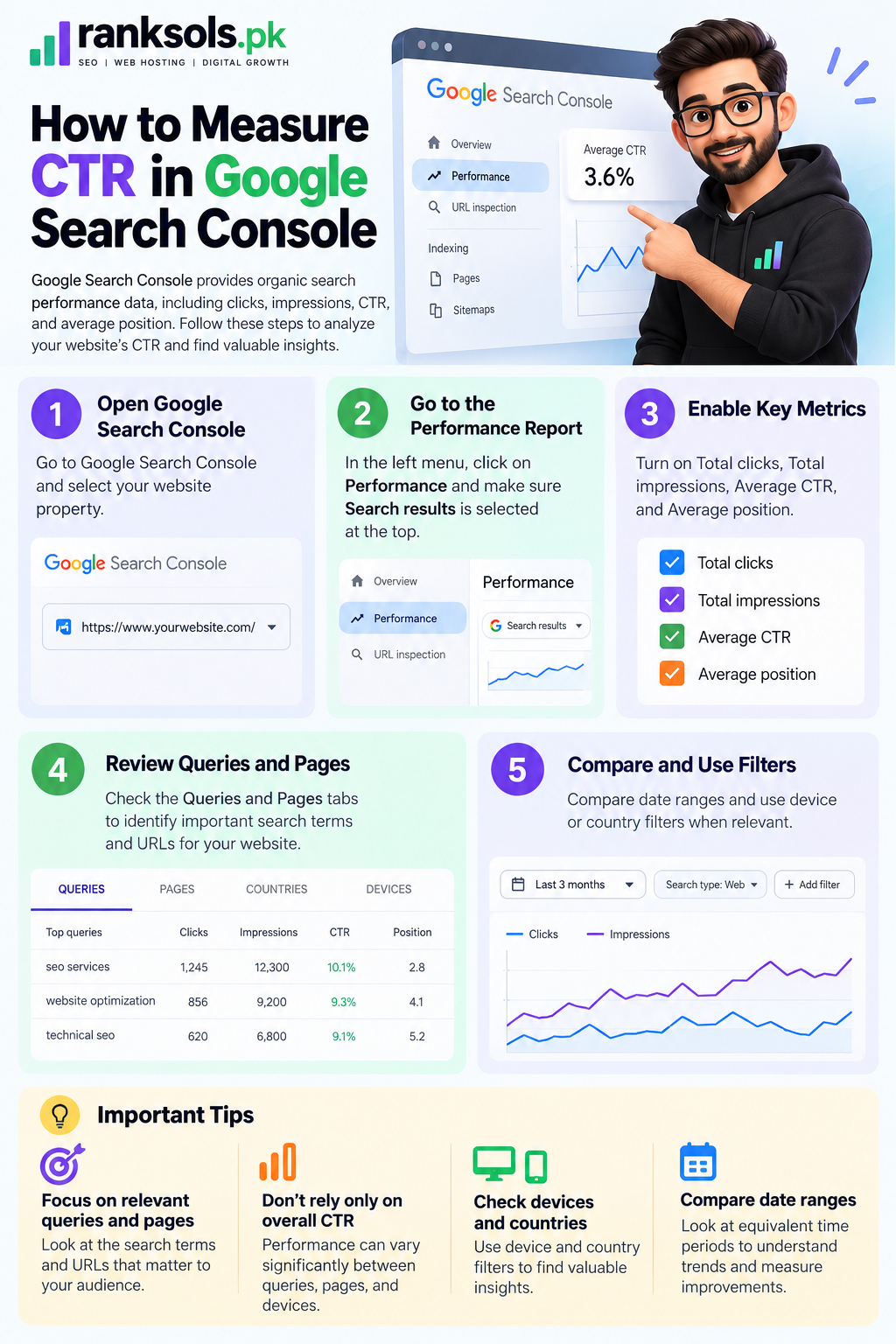
Google Search Console provides organic search performance data, including clicks, impressions, CTR, and average position.
Follow these steps to analyze your website’s CTR:
Open Google Search Console and select your website property.
Go to the Performance report and open Search results.
Enable Total clicks, Total impressions, Average CTR, and Average position.
Review the Queries and Pages tabs to identify important search terms and URLs.
Compare equivalent date ranges and examine device or country filters when relevant.
Focus on queries and pages that matter to your audience. Avoid relying only on the site’s overall CTR because performance can vary considerably between queries, pages, and devices.
How to Interpret CTR Performance
A low CTR does not always mean a page title is poor. Search position, query relevance, competing results, and search-result features can all affect click behavior.
Use the following patterns as starting points for investigation.
| Performance pattern | What to investigate |
|---|---|
| High impressions and low CTR | Average position, search intent, title relevance, and competing results |
| CTR declines while average position remains similar | Changes in query mix, competing listings, or search-result appearance |
| CTR improves but clicks decline | Whether impressions or search demand have decreased |
| High CTR but limited traffic | Whether the page receives enough impressions to generate substantial clicks |
| Different CTR across devices | Differences in search-result layouts, queries, and user behavior |
These patterns suggest possible explanations, not definitive causes. Review the underlying data before making changes.
How to Improve Organic CTR
Improving organic CTR starts with making search listings accurate, relevant, and useful to the people seeing them.
1. Write Clear, Descriptive Title Tags
Create a unique title for each important page that accurately describes its content. Include the main topic naturally and make the page’s purpose clear.
Avoid keyword stuffing, repetitive wording, and exaggerated claims. Google generates title links automatically and may use the page’s title element, headings, prominent text, and other sources when determining what to display.
2. Write Relevant Meta Descriptions
A meta description should summarize the page and explain what readers can expect to learn or accomplish.
Keep it specific to the page, avoid unnecessary repetition, and do not promise information that the content does not provide. Google may use the supplied meta description for a search snippet or generate a different snippet from the page’s content.
3. Match Search Intent
Make sure the search listing reflects what users are trying to find.
For example, someone searching for “what is organic CTR” likely wants a clear definition and calculation. A listing that immediately communicates that information may be more relevant than one focused on unrelated SEO services.
4. Review High-Impression, Low-CTR Pages
Use Google Search Console to identify pages and queries with meaningful impressions but relatively few clicks.
Check the actual queries, average position, title link, available snippet, and competing results before deciding whether to update the page. Do not assume that every query should achieve a high CTR.
5. Test Changes Through Careful Monitoring
When you update a title or meta description, record the change and monitor performance over an appropriate period.
Compare similar date ranges and review clicks, impressions, CTR, and average position together. Account for seasonal changes, shifts in search demand, and changes in the queries generating impressions.
If performance changes, avoid attributing the result to a single edit without considering other possible explanations.
Is a Higher CTR Always Better for SEO?
No. There is no universal CTR benchmark that applies to every website or search query.
CTR varies with average position, search intent, device, industry, brand recognition, and the types of results displayed on the search page. Results in different positions or for different queries should not be compared without considering these differences.
A higher CTR also does not guarantee better Google rankings. CTR is a performance metric that helps explain how often impressions generate clicks; an observed change in CTR does not establish that it caused a ranking change.
Use CTR to diagnose search-result performance rather than treating it as a guaranteed ranking factor. The goal is to attract relevant visitors with accurate listings, not simply to increase clicks at any cost.
Common CTR Mistakes to Avoid
Using a universal CTR target: Different queries, devices, and positions produce different results.
Changing titles without reviewing queries: Improvements should reflect the searches that actually generate impressions.
Treating CTR as a guaranteed ranking lever: A CTR increase does not prove that rankings will improve.
Ignoring impressions and clicks: A higher percentage can coincide with fewer total clicks.
Making conclusions too quickly: Small data samples and short comparison periods can be misleading.
Using misleading titles: Attracting clicks with inaccurate promises can disappoint visitors and weaken trust.
Frequently Asked Questions
What is a good CTR for SEO?
There is no single CTR target that is appropriate for every website. Compare similar queries, ranking positions, devices, and periods to understand whether your performance is improving.
Does CTR directly affect Google rankings?
A high CTR does not guarantee higher Google rankings. CTR is a useful performance metric, but changes in CTR alone do not demonstrate a direct causal effect on rankings.
How can I check organic CTR in Google Search Console?
Open the Performance report under Search results, enable Average CTR, and review the Queries and Pages tabs. Use filters and date comparisons to investigate the performance of specific searches and URLs.
Final Thoughts
Click-through rate is a useful metric for understanding how effectively your organic search listings attract clicks. By reviewing Google Search Console data, interpreting CTR in context, and improving the accuracy and relevance of titles and snippets, you can identify practical opportunities to strengthen organic search performance.
For businesses that need help evaluating search performance and improving their website’s on-page SEO, Ranksols.pk offers a relevant starting point for exploring SEO optimization support.
Related reading: