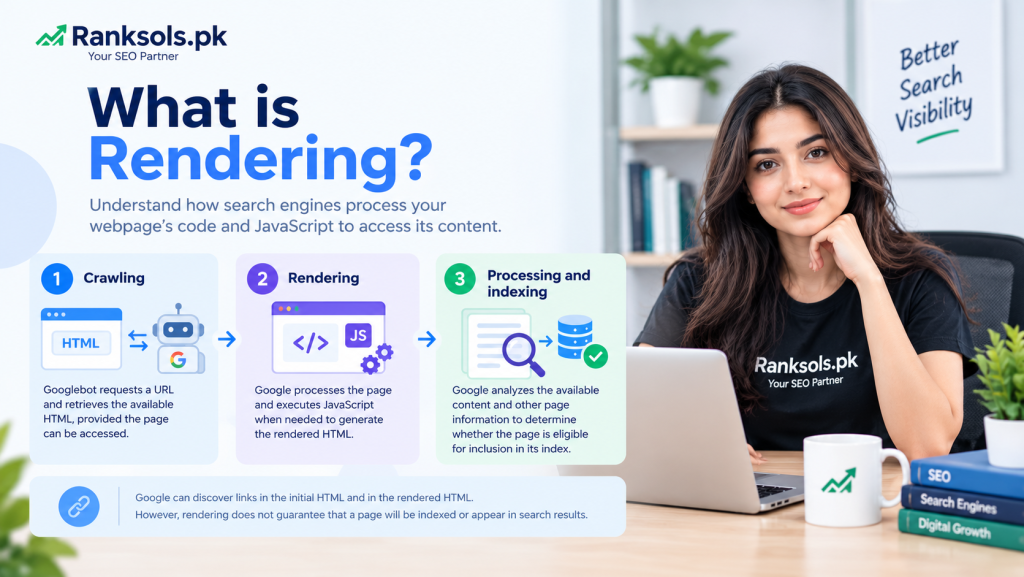
Rendering in SEO is the process through which search engines process a webpage’s code and execute JavaScript when necessary to access its content. While browsers render webpages for users, Google renders pages to process content that may be generated or changed by JavaScript.
Rendering matters because important content must be accessible to Google’s systems to be considered for indexing. If JavaScript fails to generate or reveal essential page content, Google may not see the information as intended.
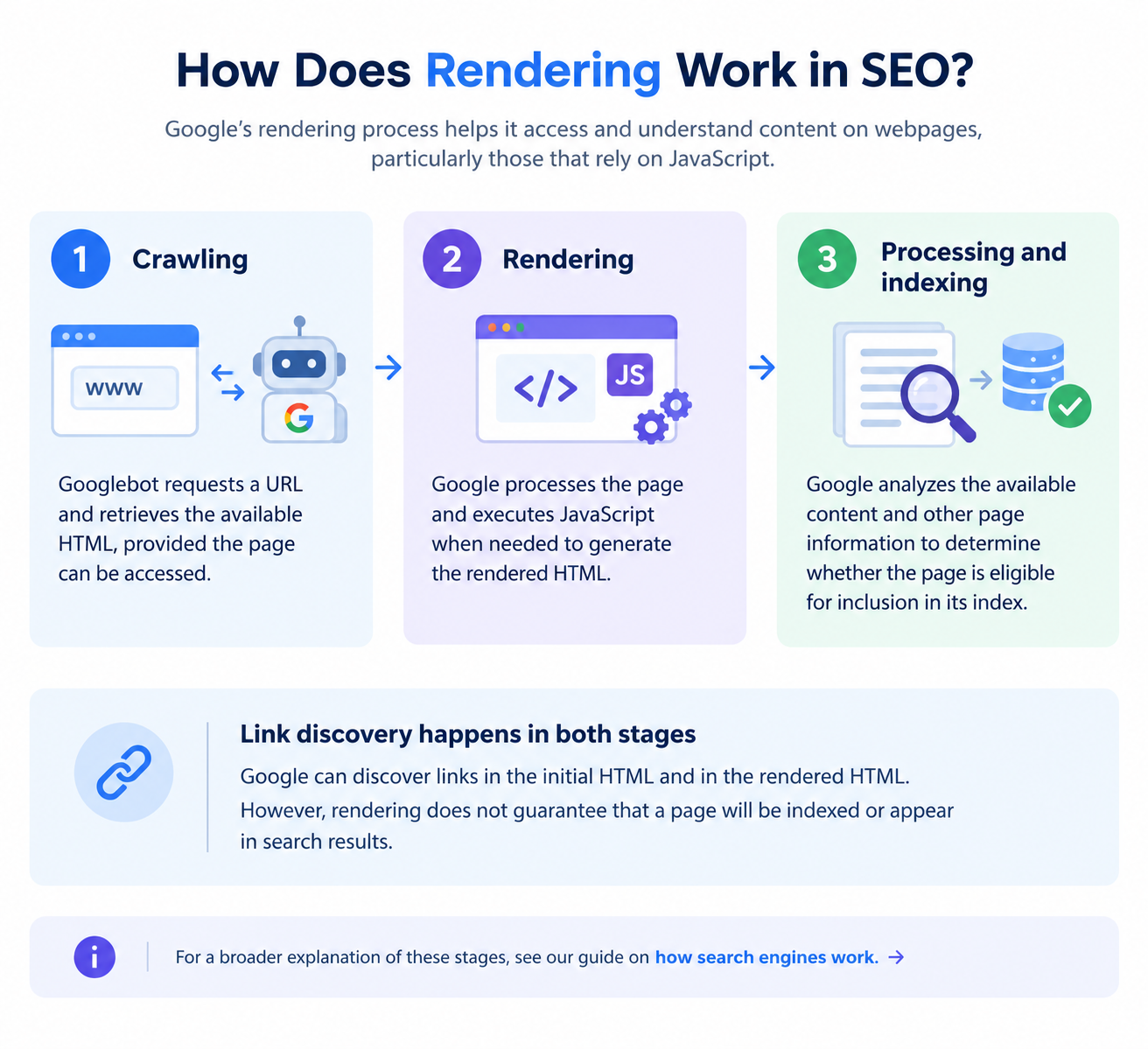
How Does Rendering Work in SEO?
Google’s rendering process helps it access and understand content on webpages, particularly those that rely on JavaScript.
The process generally involves three stages:
Crawling: Googlebot requests a URL and retrieves the available HTML, provided the page can be accessed.
Rendering: Google processes the page and executes JavaScript when needed to generate the rendered HTML.
Processing and indexing: Google analyzes the available content and other page information to determine whether the page is eligible for inclusion in its index.
Google can discover links in the initial HTML and in the rendered HTML. However, rendering does not guarantee that a page will be indexed or appear in search results.
For a broader explanation of these stages, see our guide on how search engines work.
Why Is Rendering Important for SEO?
Rendering is particularly important for websites that use JavaScript to generate or display their main content, navigation, product information, or internal links.
For example, an ecommerce product page may initially return HTML containing little product information. JavaScript then loads the product description, price, and other details. If the required scripts or resources fail to load during Google’s rendering process, some of that content may not be available for processing.
Proper rendering helps search engines access:
Main page content: Product descriptions, service information, headings, and other important text.
Internal links: Links generated by JavaScript, when implemented in a format Google can crawl.
Dynamically generated information: Content added or updated after the initial HTML response.
Relevant page elements: Information that helps Google understand the page’s purpose and content.
Rendering supports effective crawling and indexing, but it does not guarantee rankings or inclusion in Google’s index.
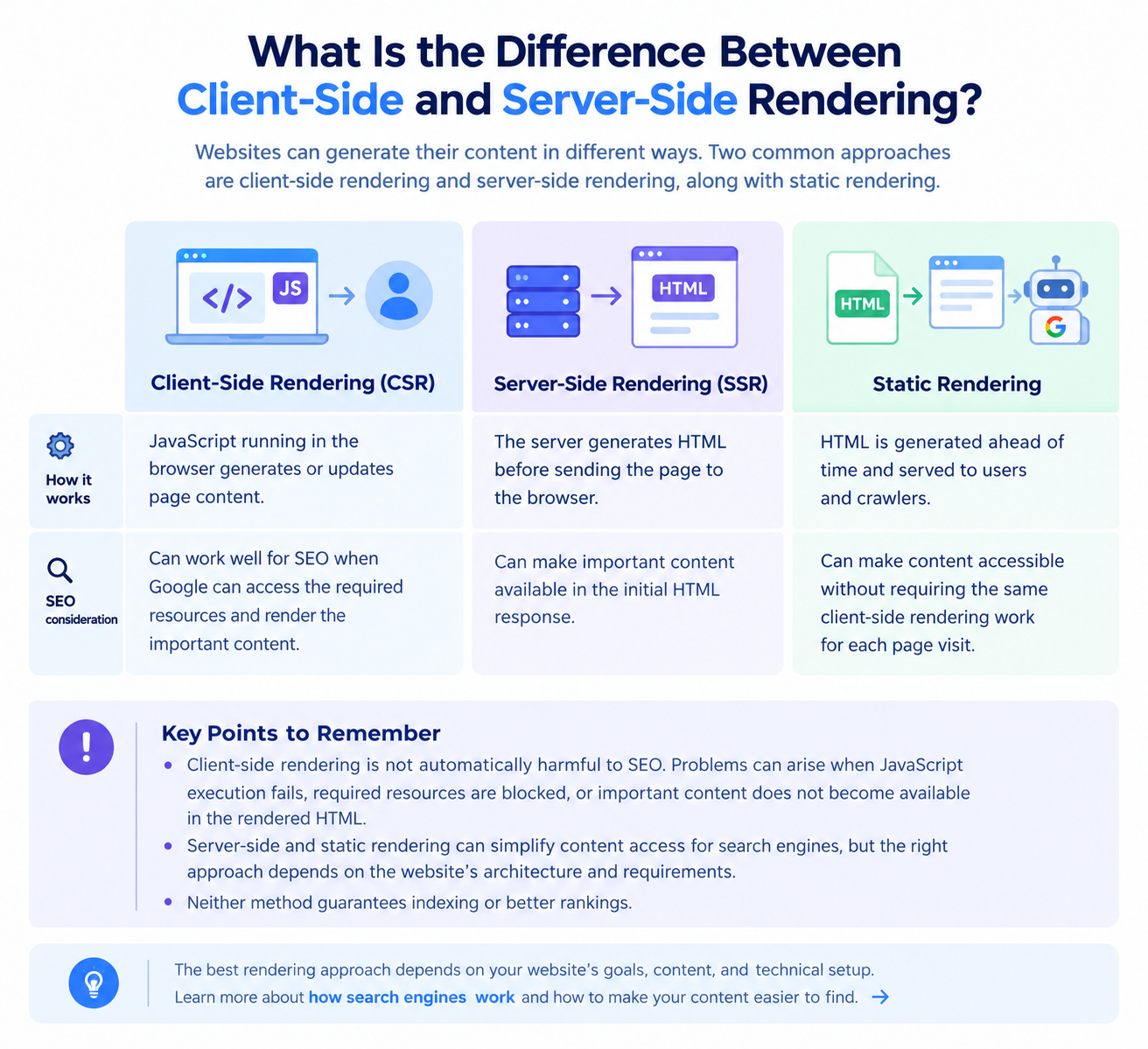
What Is the Difference Between Client-Side and Server-Side Rendering?
Websites can generate their content in different ways. Two common approaches are client-side rendering and server-side rendering.
| Rendering type | How it works | SEO consideration |
|---|---|---|
| Client-side rendering (CSR) | JavaScript running in the browser generates or updates page content. | Can work well for SEO when Google can access the required resources and render the important content. |
| Server-side rendering (SSR) | The server generates HTML before sending the page to the browser. | Can make important content available in the initial HTML response. |
| Static rendering | HTML is generated ahead of time and served to users and crawlers. | Can make content accessible without requiring the same client-side rendering work for each page visit. |
Client-side rendering is not automatically harmful to SEO. Problems can arise when JavaScript execution fails, required resources are blocked, or important content does not become available in the rendered HTML.
Server-side and static rendering can simplify content access for search engines, but the right approach depends on the website’s architecture and requirements. Neither method guarantees indexing or better rankings.
How Can You Check Whether Google Renders Your Page Correctly?
Google Search Console provides tools for investigating rendering and accessibility issues.
Follow these steps:
Open Google Search Console: Select the property for your website.
Use URL Inspection: Enter the URL you want to examine.
Test the live URL: Check whether Google can access the page and review the available test results.
Inspect the rendered output: Look for important text, links, or other content that is missing or incomplete.
Compare the results: Compare the rendered output with what users see in the browser.
Investigate the cause: If important content is missing, check for JavaScript errors, failed resource requests, or blocked JavaScript and CSS files.
The goal is to identify whether rendering is actually causing a problem before making technical changes.
For further guidance, consult Google’s official documentation on JavaScript SEO basics.
Common Rendering Issues That Affect SEO
Several technical issues can prevent search engines from accessing important page content.
Blocked resources: Required JavaScript or CSS files cannot be accessed.
JavaScript errors: Scripts fail to generate the expected content.
Delayed content loading: Important content depends on events or interactions that do not occur during rendering.
Missing rendered content: Essential information is absent from the rendered HTML.
Uncrawlable links: Navigation uses link implementations that Google cannot reliably follow.
When investigating these issues, confirm what is missing from Google’s rendered output and identify the underlying cause. Do not assume that a website has a rendering problem simply because it uses JavaScript.
Does Rendering Guarantee That a Page Will Be Indexed?
No. Rendering and indexing are separate parts of Google’s search-processing system.
A page can render correctly but remain unindexed for reasons such as a noindex directive, canonicalization decisions, duplicate content, or other indexing considerations.
Similarly, Google may discover and crawl a URL without successfully accessing all the content generated by its JavaScript.
If a page is not indexed, investigate rendering alongside other relevant factors, including crawl accessibility, indexing directives, and canonical URLs. Our guide on what indexing is explains the next stage in more detail.
Final Thoughts
Rendering helps Google process webpage content, particularly when JavaScript generates or changes important information. Ensuring that essential content and crawlable links are available in the rendered HTML can help prevent avoidable technical SEO problems.
If your website relies heavily on JavaScript or has unexplained indexing issues, Ranksols can help you assess its technical SEO setup and identify areas that may need improvement.